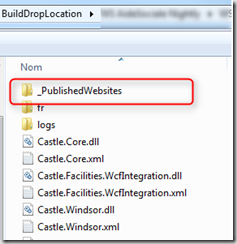
In TFS 2013 Xaml build and Msbuild we have the possibility to generate a folder _PublishedWebsites that contain the files result for the web project compilation.
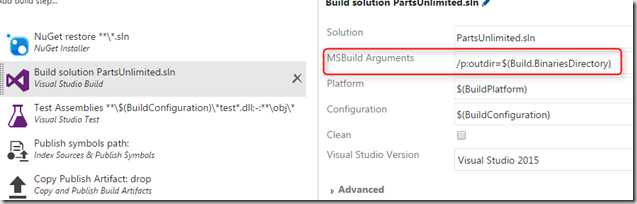
In new build system Vnext build for TFS 2015 and VSTS, for generate this folder during build compilation, into Visual Studio Build (or MSbuild) Task, add MsBuild Argument /p:outdir with the destination of the compilation ouput, for example : /p:outdir=$(Build.BinariesDirectory.
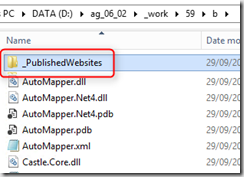
After the build execution, we can see the _publishedWebsites folder in the specified directory.
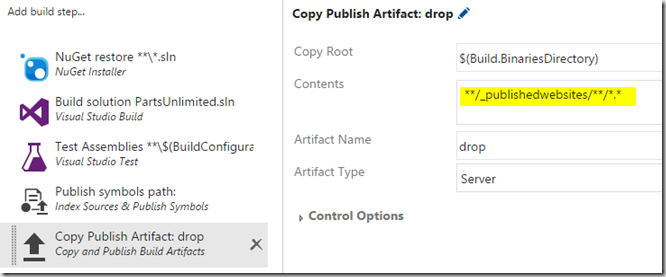
The next step is to publish into artifacts only the content of the _Publishedwebsites directory for deploy it with Release tool. For this, configure the Copy Publish artifact task for publish only the content of _Publishedwebsites folder.
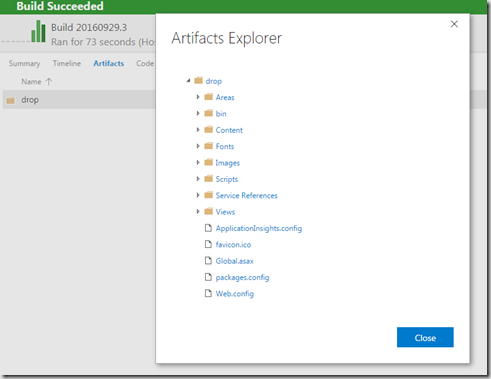
And result of the published artifact is:
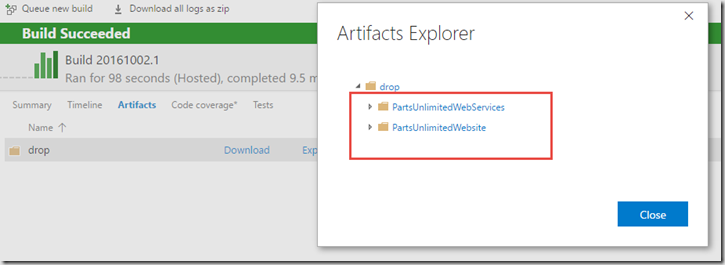
If the solution contain multiple web projects 1 directory by web site is created under _PublishedWebsites folder.
We get the web site content and it ready to be deployed.
Comments